A Mac app that re-seats pages so they can be folded and stitched
HarikomiMaker
Summary
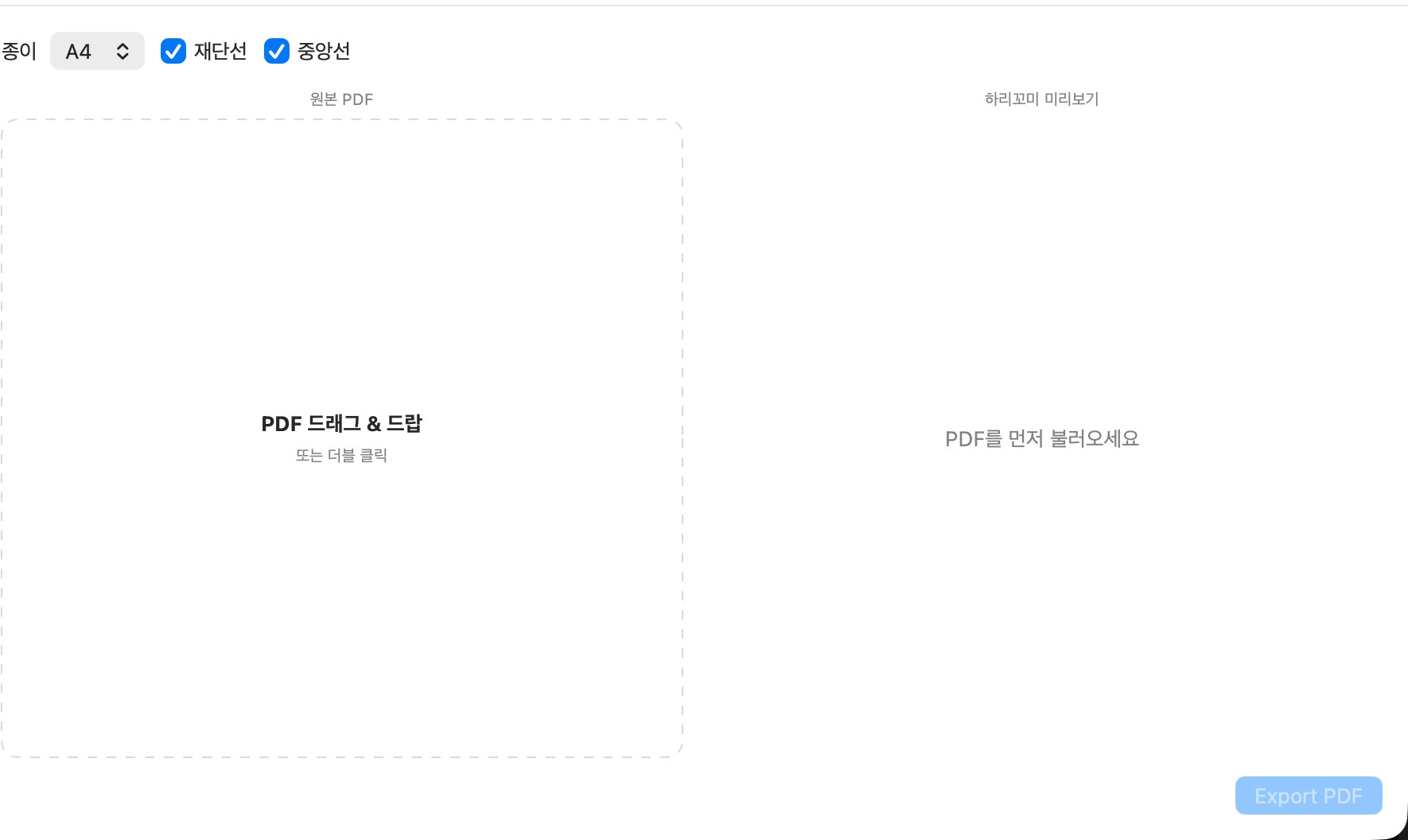
A small repetitive editorial task, turned into an exact desktop tool. To saddle-stitch a booklet, the pages have to be re-seated in folding order. HarikomiMaker does that arithmetic for a PDF, draws crop and centre marks, and exports a print-ready file.
- 0
- A4–A0
- 757
Overview
In saddle stitching, page 1 and the last page are printed on the same sheet. One macOS app builds that arrangement.
This is the prehistory of GLIO: moving a repeated editorial judgement into software started here – GLIO.
Problem
The page count must be a multiple of four, and for the order to come out right after folding, every sheet's front and back needs its own arrangement. I redid that arithmetic for every booklet. By hand it goes wrong, and it goes wrong where you only see it after printing. The app does it instead.
Key decisions
Never scale the original; refuse instead
In print, enlarging by one percent is a different format. Quietly fixing it is the more dangerous option.
If the original plus its marks won't fit the sheet, preview and export stop, and the overflow is shown as numbers.
Take the smallest valid box as the trim size
Many PDFs leave the TrimBox unset and keep the real finished size in the CropBox.
Of Trim, Crop, Bleed and Media, the smallest valid box becomes the reference.
Preview and export run the same code
A preview that differs from the output is worse than none.
One function draws both. What you saw on screen is what comes out.
Fix the page order as a formula
The rule is exact; doing it by eye is how it goes wrong.
Round the count up to a multiple of four; sheet i carries (total − 2i) and (1 + 2i) on the front, (2 + 2i) and (total − 2i − 1) on the back. Missing pages stay blank.
Results
Sheets exported by the app itself: the original page on the left, and the imposed sheets that fold into order. 757 lines of Swift across 7 files, with zero dependencies (output).
There are no usage numbers. I am the only user.
Reflection
- A tool should be able to refuse. Stopping and saying why is kinder, in print, than silently making it fit.
- The trade-off – a refusal hands the work back to the person. Even a small overflow stops the app. Correct format beat fast output.
- Still to do – a bug that closes the PDF context after the first sheet on longer documents, 4-up layouts, bleed handling. It has never been tested in anyone else's workflow.